
The problem
Applying to many jobs means filling in the same fields over and over: name, email, experience, cover letter, salary expectations. Across dozens of applications, that adds up to hours.
What it does
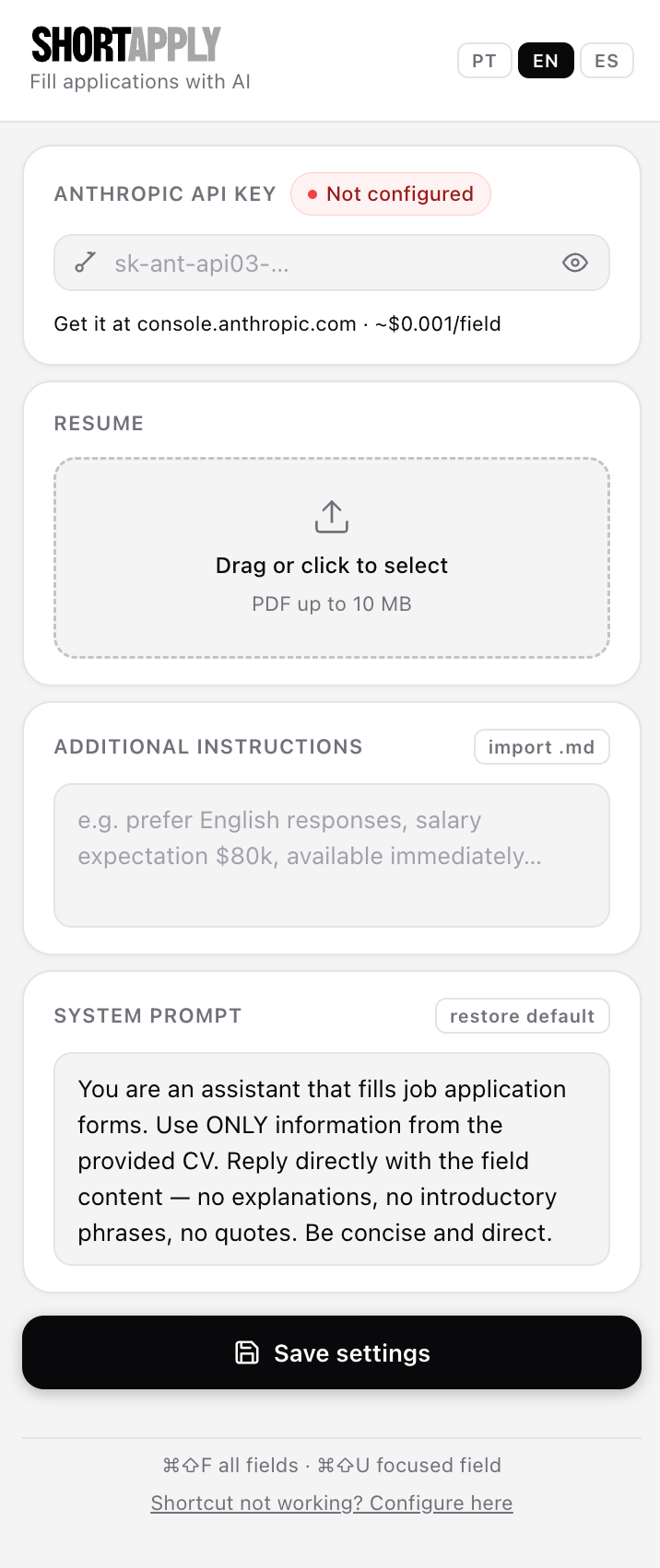
ShortApply is a Chrome extension that uses Claude to fill in job application forms from your résumé, turning minutes into seconds.
- Cmd+Shift+F reads every visible field and fills them all at once.
- Cmd+Shift+U fills only the selected field.
- Works with text inputs, text areas and dropdowns.
- Fills instantly and shows a bar to undo or edit before confirming.
- Works on LinkedIn, Greenhouse, Lever, Workday and other platforms.
How it’s built
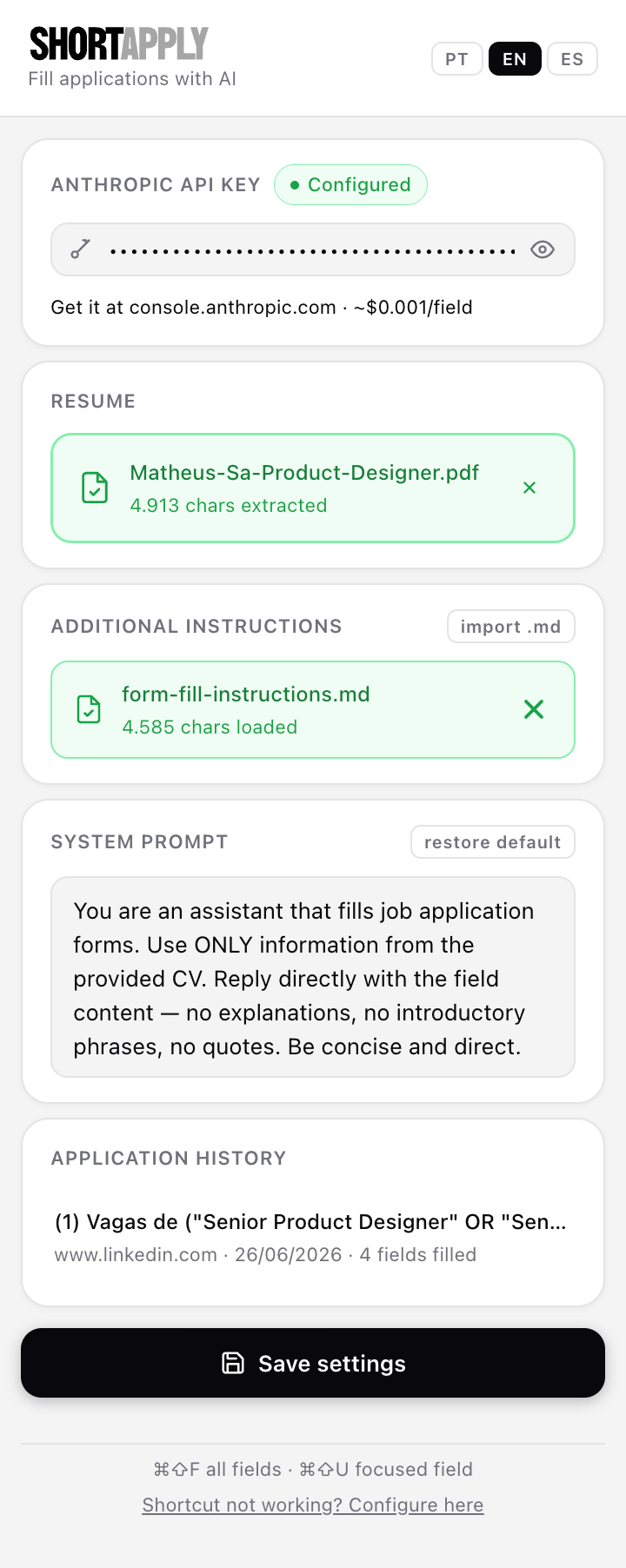
A Manifest V3 extension in plain JavaScript, using the Anthropic API (Claude Haiku). The decisions that mattered most:
- Key safety: the API key and résumé are only read inside the service worker, never by the page, which prevents leaks through third-party scripts.
- Low cost: the résumé is cached in the prompt, so repeated calls within a 5-minute window cost about 10% of the input tokens.
- One call: every field goes in a single structured request, and the answer comes back as a JSON list.
- Prompt injection guard: every request tells the model to ignore instructions hidden in the page.
- Works with React, Vue and Angular, by firing the events those frameworks expect.
- Three languages: Portuguese, English and Spanish, switchable on the fly.
What I learned
An extension that has to handle any form on the web forces you to think about reliability. Just finding each field’s label took five strategies in sequence. To get the AI to pick the right dropdown option, I had to number the options and ask for the number only. And the fact that MV3 service workers shut down between events turned into an advantage, because there’s no stored state left to leak.